Digital School

CURRICULUM

A structured path for learning to build with technology.

Explore a cumulative pathway for learners typically aged 7–18: from programming logic to websites, applications and AI projects. See the entry guidance, try a coding activity and explore how instructors support the learning.

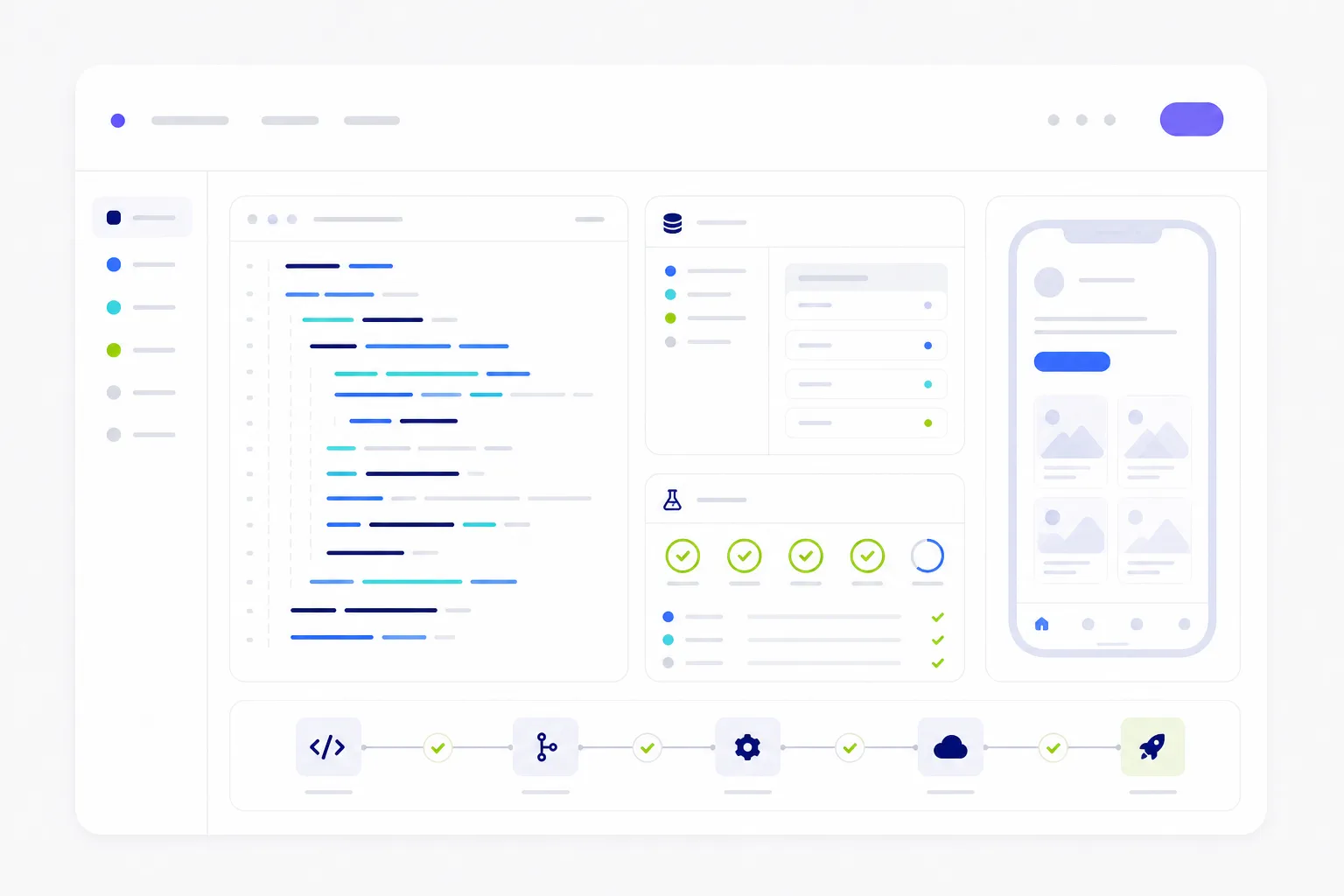
Illustration of learning to build with technology

PROGRESSION

From foundational logic to building with AI.

The pathway is designed for learners typically aged 7–18, with later projects building on earlier concepts. Age bands guide entry; placement also considers experience and readiness. Courses and schedules are confirmed locally.

Illustrations of the learning journey.

Foundations

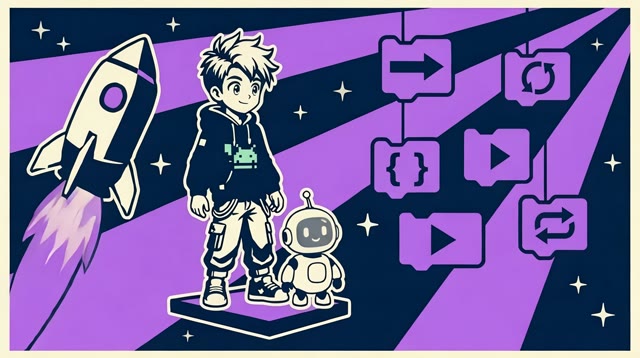
Illustrated learner and robot exploring visual programming blocks
  • Entrytypically ages 7–11; no prior coding experience needed
  • Skillssequencing, programming logic and visual coding
  • Projecta story or game that turns a plan into working instructions
  • Assessmentexplain the logic, find a mistake and improve the result

Intermediate

Illustrated learner coding on a red moon
  • Entrytypically ages 12–15; placement considers experience and readiness
  • SkillsHTML and CSS, web projects, JavaScript, Python and an introduction to AI
  • Projecta website responding to a brief, including possible community or local-business projects
  • Assessmentexplain the solution and review it against the brief

Advanced

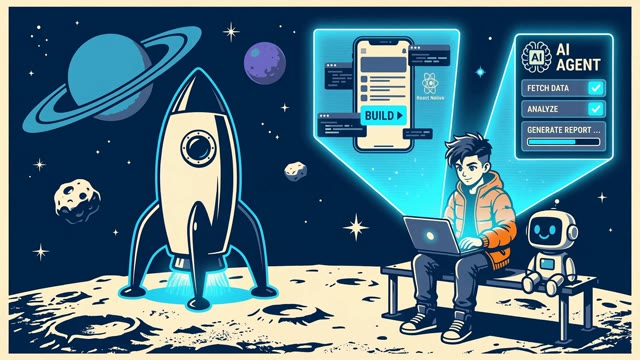
Illustrated learner building with AI beside a rocket
  • Entrytypically ages 16–18; placement considers experience and readiness
  • Skillsadvanced web development, object-oriented programming, mobile apps and applied AI
  • Projectan application or AI-enabled product designed for a user
  • Assessmentdemonstrate the product, test it and explain the decisions behind it

LEARNING IN PRACTICE

Learning everyone can see.

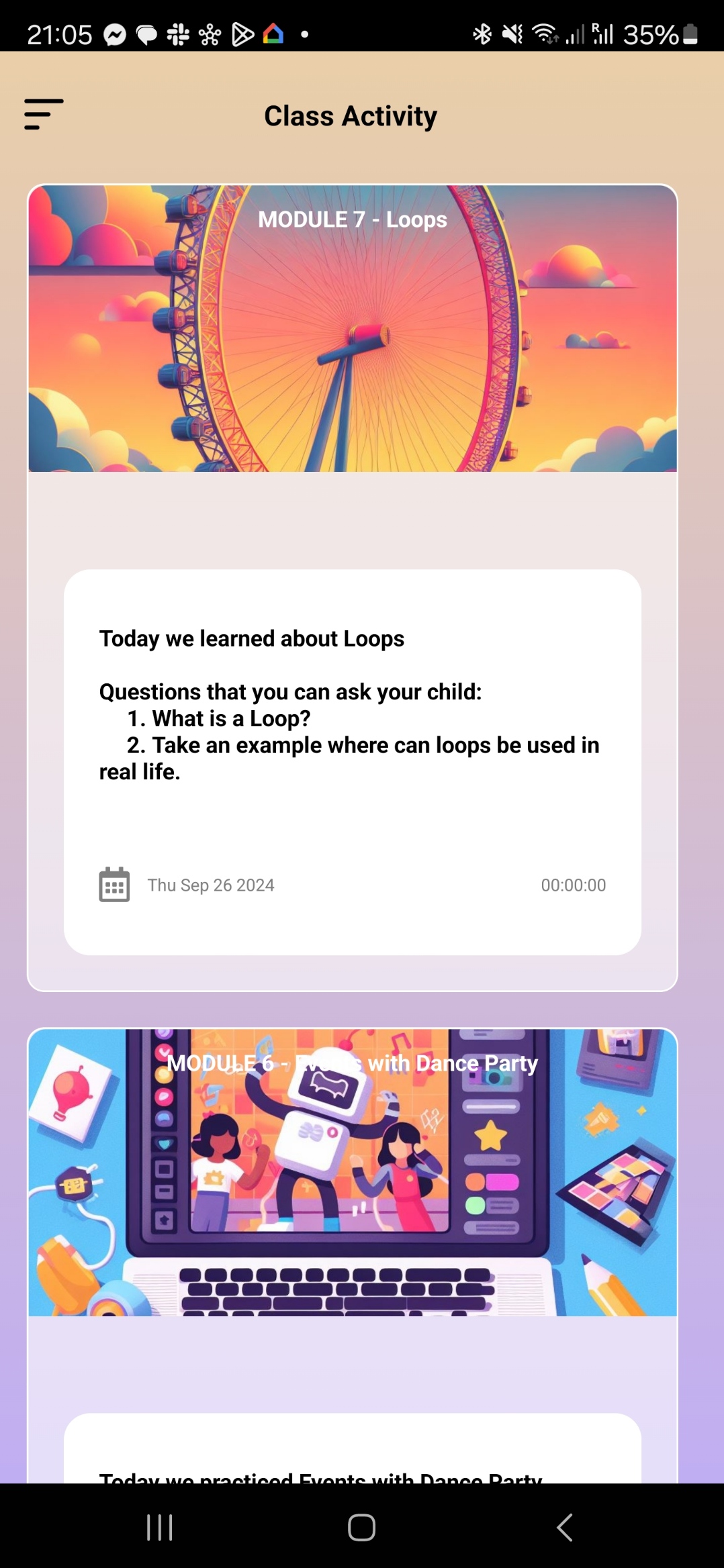
A practical challenge. A teaching guide. A conversation at home. Explore the learning experience from three perspectives.

Build it. Test it. Explain it.

Turn a programming concept into something you can try. The learner’s view brings lesson activities together with progressively harder challenges.

Inside this example

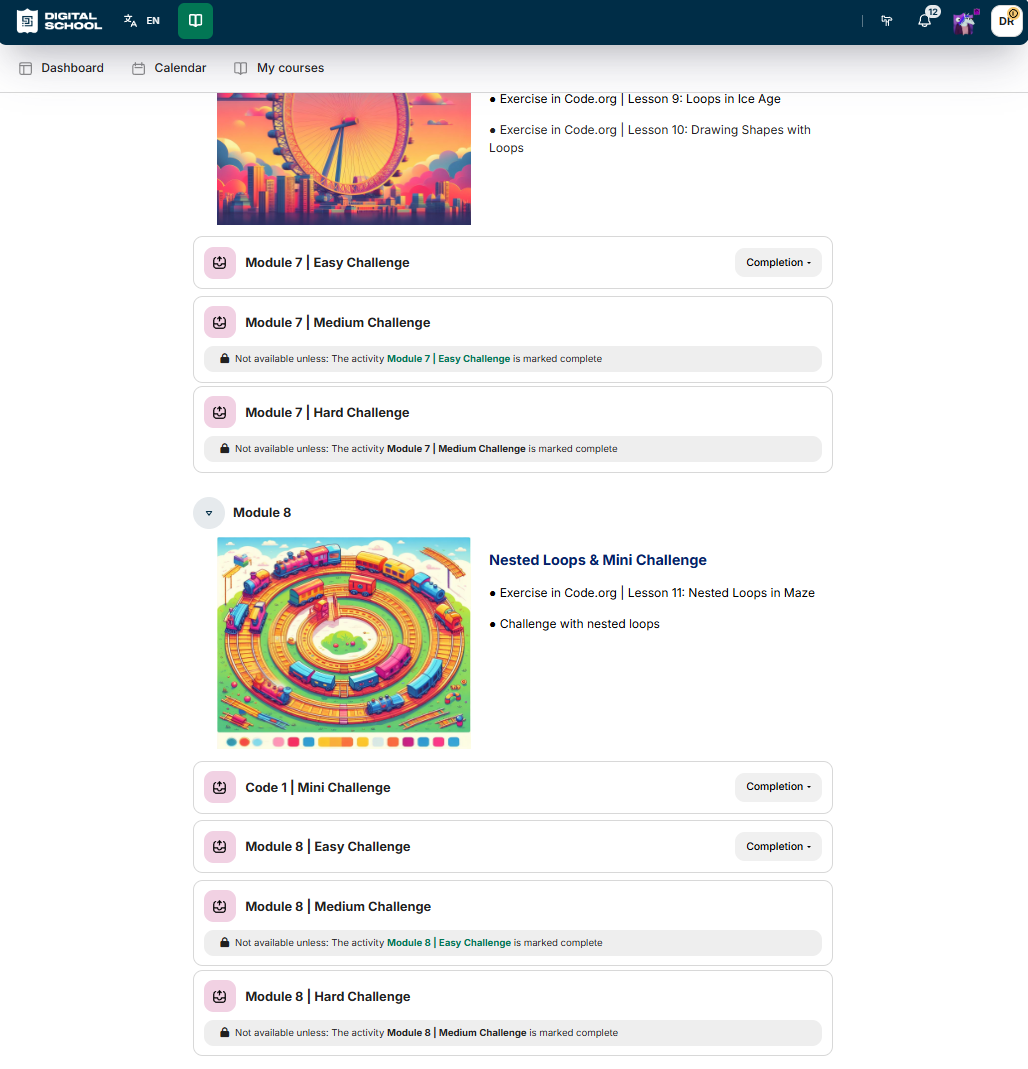
  • Explore loops through practical exercises.
  • Work through easy, medium and hard challenges.
  • Move on to nested loops and a mini challenge.

From an idea to a working solution

A challenge gives learners something to build, test and discuss with their instructor.

A closer look
Digital School learning platform showing loop activities and easy, medium and hard challenge levels.
Student platform example: loops, nested loops and progressive challenges.

Teaching and platform examples from Digital School’s presentation. Screens show the versions illustrated there; product access for your centre is defined in your proposal.

Student

Scroll or swipe inside the image to explore. Use the arrow keys when the image area is focused.

Student platform example: loops, nested loops and progressive challenges.

TRY A PROGRAMMING CHALLENGE

Plan it. Run it. Explain it.

Give the robot a sequence of directions to reach the star. Test your instructions, find the mistake and try again.

Your instructions

    Use up to 16 instructions. Remove the last step to change your route.

    Add directions, then run your sequence.

    What this activity teaches

    A clear objective

    Predict what an ordered sequence will do, then compare your prediction with the result.

    A teaching prompt

    Before pressing Run, ask the learner to trace the route. If it fails, ask which instruction they would change and why.

    Visible understanding

    The learner can explain each step, locate a mistake and improve the sequence without relying on random guesses.

    A next challenge

    Find a different route. Compare how many instructions each route needs, then describe a repeated pattern that a loop could replace.

    An illustrative activity created for this website to explore sequencing and debugging.

    Students learn by making something they can explain.

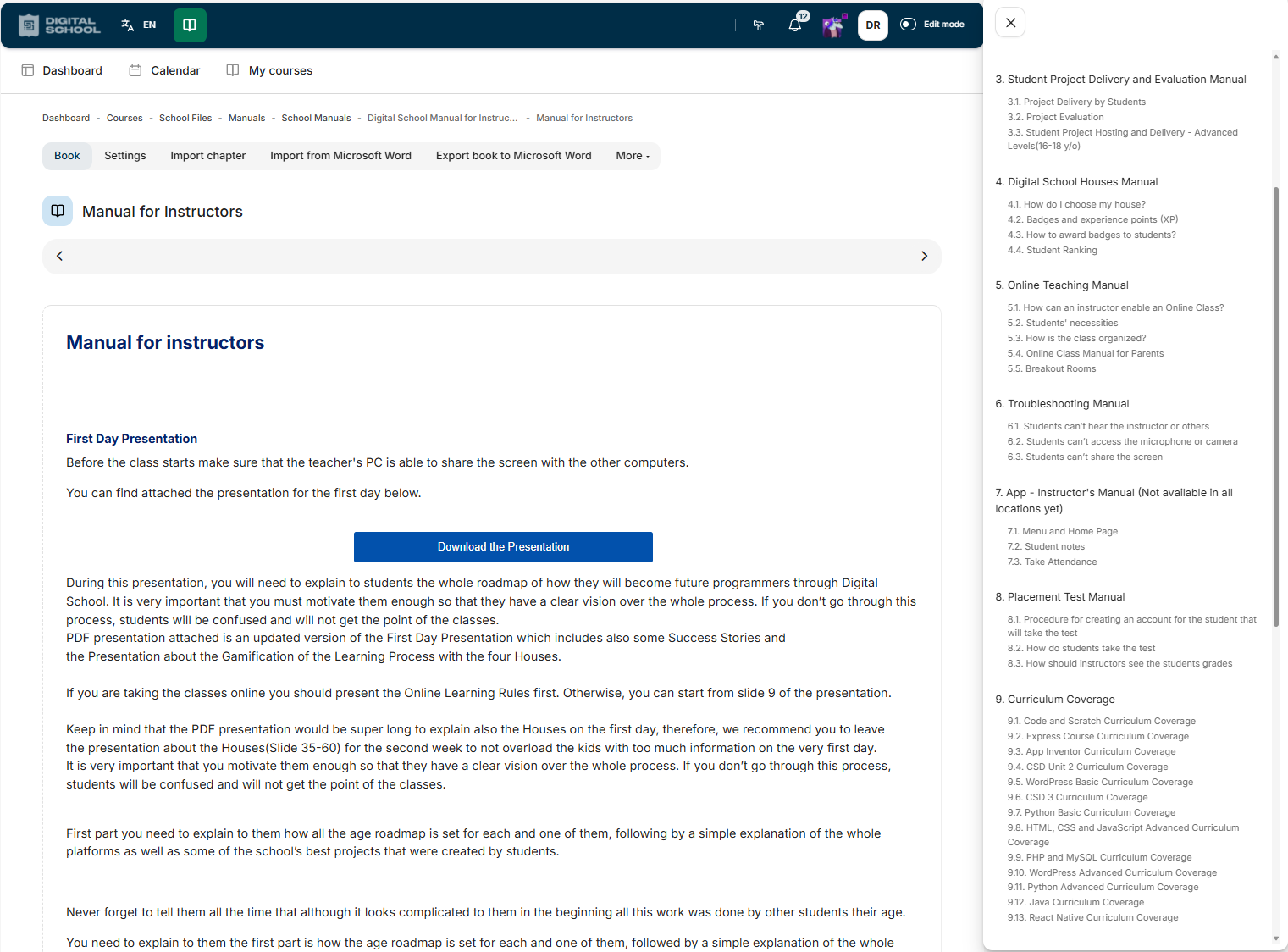
    The instructor follows a planned sequence, with practical tasks and extension challenges for different learning paces. Learners build, test and explain their work; the same guide supports preparation and classroom observation.

    The shape of a lesson

    • Introduce the concept with a worked example
    • Build and test something that uses the concept
    • Attempt an extension challenge suited to the learner
    • Explain the work and review it against the brief
    • Connect the concept to the next lesson or project

    What the instructor receives

    • A lesson-by-lesson guide with teaching instructions
    • Easy, medium and hard extension challenges
    • Student tasks and project assessment criteria
    • Manuals covering teaching and school tools
    • A shared reference for observing classroom delivery

    AI IN THE CLASSROOM

    What learners must check, understand and do themselves.

    Learners explore AI as a subject and as a tool. They still need to understand the concepts, test what a tool produces and explain their decisions.

    Where AI appears

    • As a subject: how models work, what they are good and bad at
    • As a tool: generating ideas, examples and explanations to evaluate
    • With age suitability and teacher oversight defined per stage

    What stays with the learner

    • Understanding the concept before using a tool for it
    • Checking generated output against what they know
    • Explaining and defending their own work
    • Deciding when a tool is not appropriate

    Explore the teaching behind the programme.

    Discuss a lesson guide, the tasks and extension challenges learners attempt, and how their work is assessed. Your intended learners help focus the programme discussion.